Cold Turkey Blocker
Quick answer
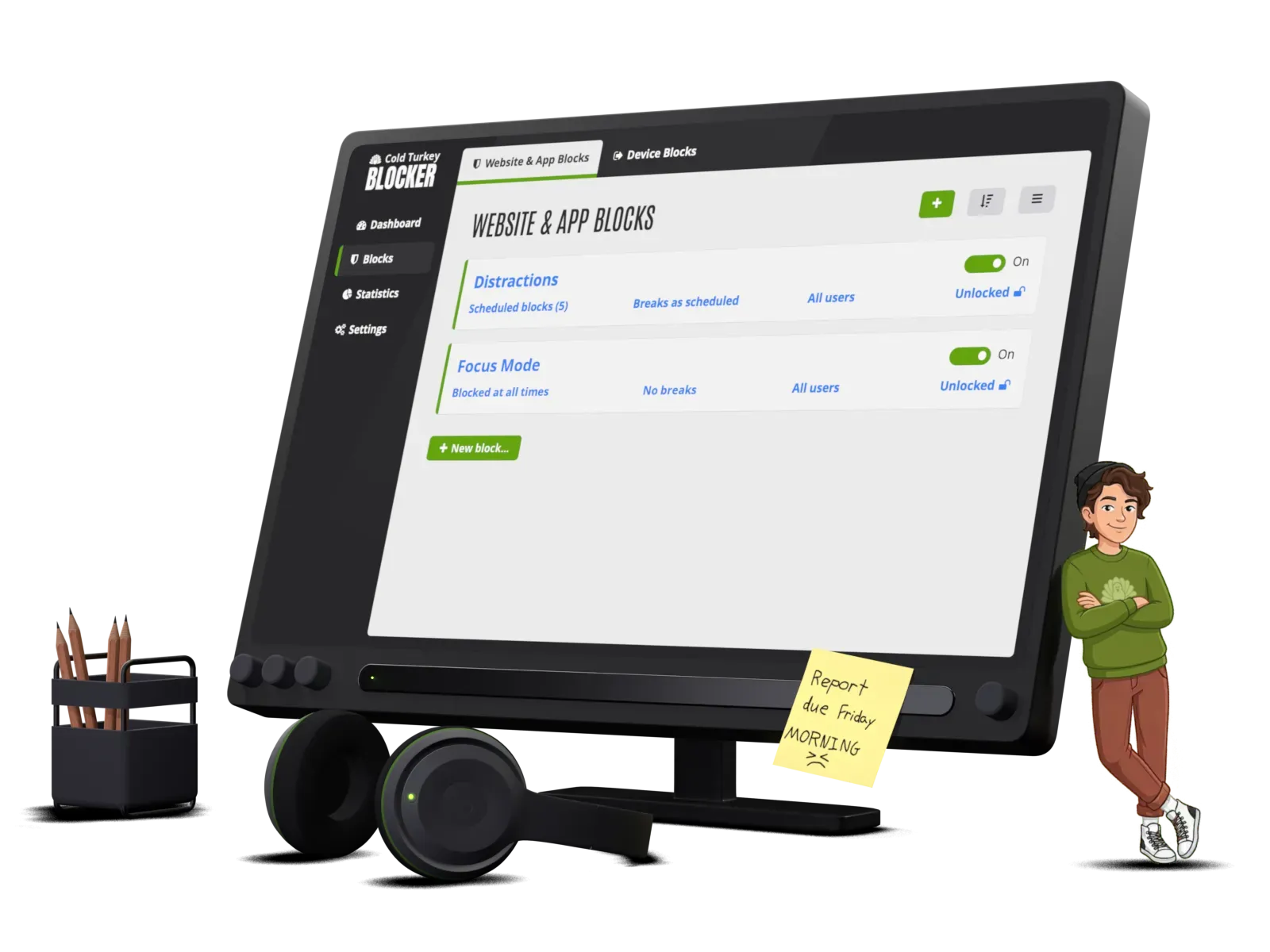
Cold Turkey Blocker is a desktop blocker for Windows and Mac that stops websites, applications or the entire computer for a set period, with locks designed to be genuinely hard to bypass. Its reputation rests on being the strictest mainstream blocker: once a locked block starts, restarting or uninstalling will not save you.
| Category | Website and app blocker (hard blocker) |
|---|---|
| Platforms | Windows, Mac (desktop only) |
| Price | Free tier blocks websites; Pro is a one-time purchase, around $39 (check current pricing) |
| Best for | People who bypass their own softer blockers; deep work sprints; deadline crunches |
| Limitations | Desktop only, so your phone is untouched; locked blocks are unforgiving if you genuinely need a blocked site |
What it does well
- Locks actually hold: timers, restarts and uninstall attempts do not release a locked block, which is the whole point for serial self-negotiators.
- One-time payment for Pro rather than a subscription, unusual in this category.
- Frozen Turkey mode can lock the entire computer, useful for enforcing evenings off or morning routines.
- Scheduling and Pomodoro-style break patterns are built in on Pro.
Where it falls short
- No mobile apps at all, so phone-based procrastination needs a separate tool such as Opal or one sec.
- The free tier's blocks can simply be turned off, so the honest recommendation is really the paid version.
- Its strictness cuts both ways: a legitimate urgent need for a blocked site during a locked block has no escape hatch.
Related
Deep workStop procrastinating on work tasks
Frequently asked questions
Can you bypass Cold Turkey Blocker?
With a locked block, not realistically. It survives restarts and blocks its own uninstaller during a block, which is why it suits people who defeat gentler blockers. Determined workarounds like using another device remain possible, so pair it with a phone blocker if that is your leak.